Kinatico

COMPLIANCE MANAGEMENT

Workforce Site & Role Compliance Monitoring

Set what each role at each location or site needs to hold, and Kinatico Compliance assigns it automatically, keeps it current and updates it when someone moves.

Compliance that keeps up when people move

When someone moves to a new program, location, role, site or project, their obligations may change too. Kinatico Compliance picks up what’s changed and updates their requirements automatically, so the workers move doesn't leave a gap in your compliance.

Set requirements once for every location, role and site 

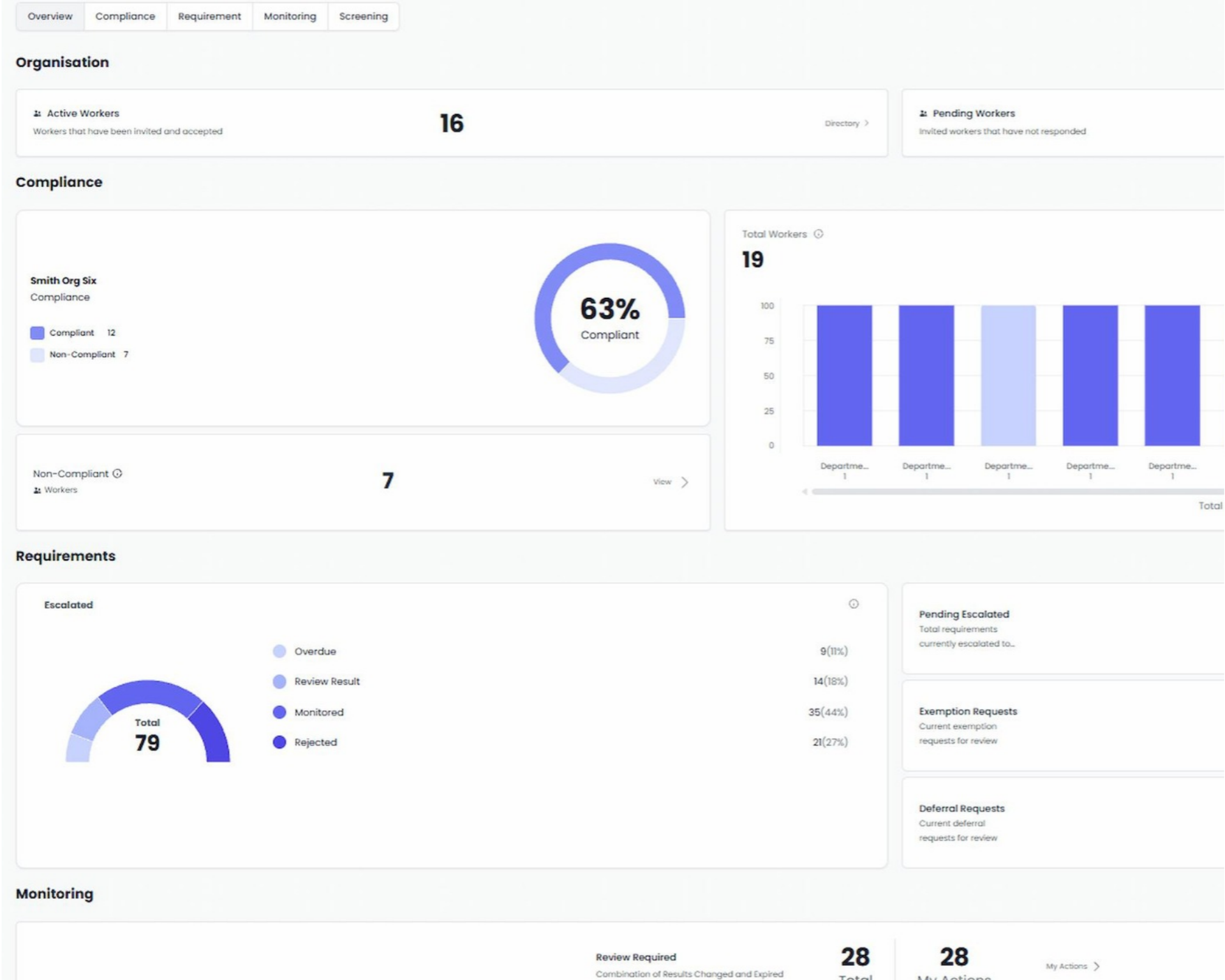
Requirements are set against the labels your organisation already uses, like role, department, location and group, and applied automatically to everyone who matches.  
You can apply a rule to any combination of one or more roles. departments, locations or groups, which we call a Segment.  

Once you define a Segment, the rule will apply to every person who matches that Segment exactly. You can see exactly which workers are in that Segment before it goes live; and you can define as many Segments as you need. 

After that, new starters who match get the right requirements from their first day, and any requirement you add to a Segment reaches every matching worker straight away. 

Placeholder

When someone moves, their compliance follows them

Placeholder

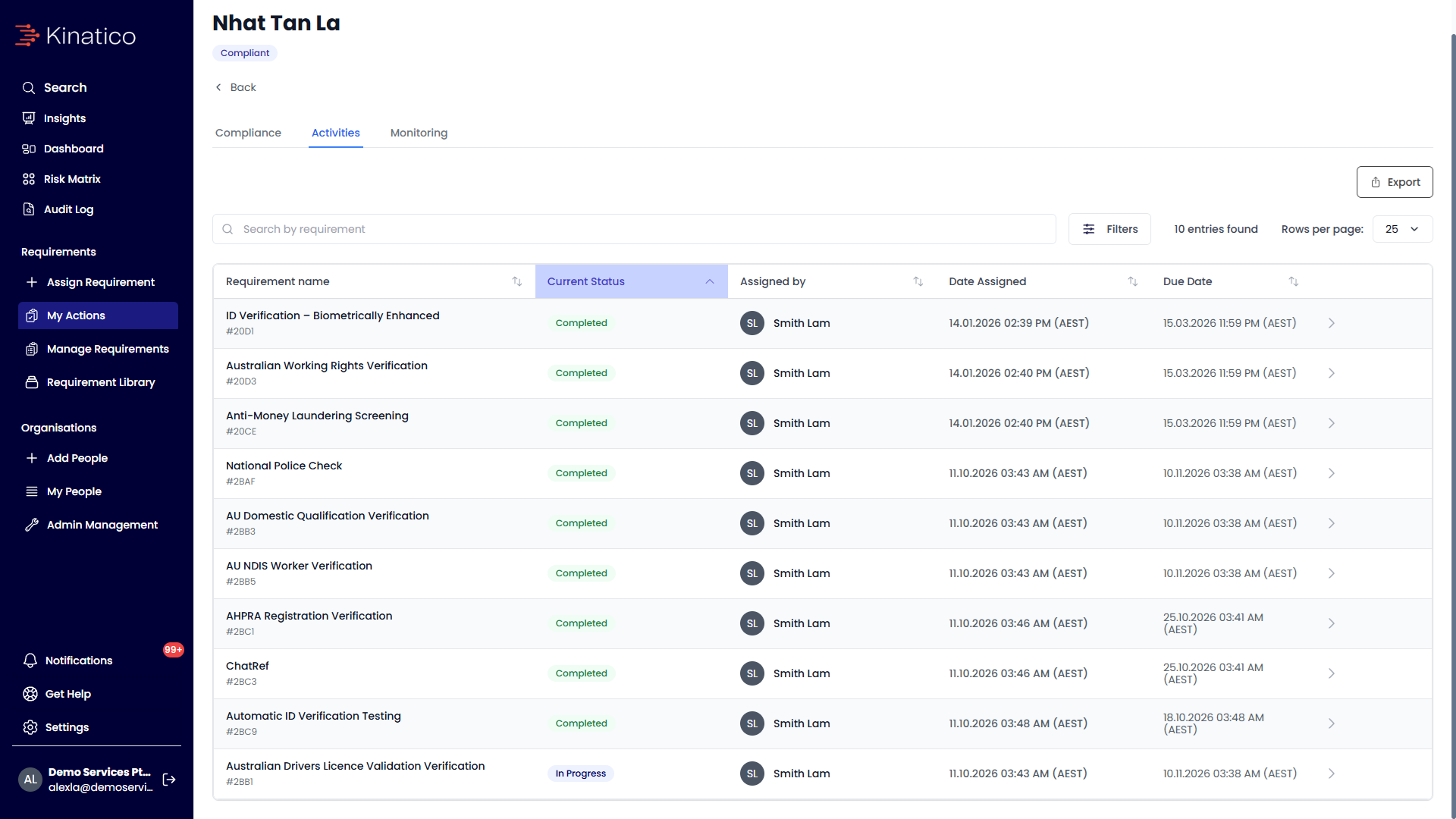
When a worker’s role, location or department is updated, Kinatico Compliance works out what that person now needs to hold. New requirements are assigned and the worker is notified, requirements that no longer apply are closed, and anything they’ve already completed that needs to move carries across. We call this Follow Me Compliance, and it means nothing is missed or doubled up when someone moves.

Frequently asked questions

  • The requirements from both apply. If the same requirement appears in both, it’s only assigned once. 

  • Any new requirement you add is sent to every matching worker straight away. Requirements workers have already completed aren’t removed and remain visible in your audit log. 

  • Yes. You can see every worker it will affect, and nothing is sent until you confirm. 

  • Yes. Requirements in a Segment can be set for workers, candidates or both. 

  • They get a notification and complete their requirements in the Kinatico app, the same as always. 

  • Yes, if your HR system is connected. A role, location or department change from your HR system is handled the same way as one made in Kinatico.