Kinatico

COMPLIANCE MANAGEMENT

Compliance Automation & Custom Requirements

Build the requirements your organisation has, route them through the approvals you need, and stop having to manually follow-up.

Following up is not compliance work 

A small compliance team managing a large workforce spends a great deal of time on reminders. From sending emails about outstanding training, follow-ups on unreturned declarations, or looking through a spreadsheet tracking who has not signed the updated policy. 

That work is administration, and it leaves less time for managing risk, especially as the workforce grows or new obligations come in. Automating it gives your team that time back to spend on the things that need their judgement. 

Build the requirement yourself

Beyond regulatory requirements, most organisations have their own, such as acknowledging a policy, completing a training module, signing a declaration, uploading evidence or confirming a procedural step. 

Build Your Own Requirements lets your administrators create these themselves with a drag and drop builder, without needing developer. 

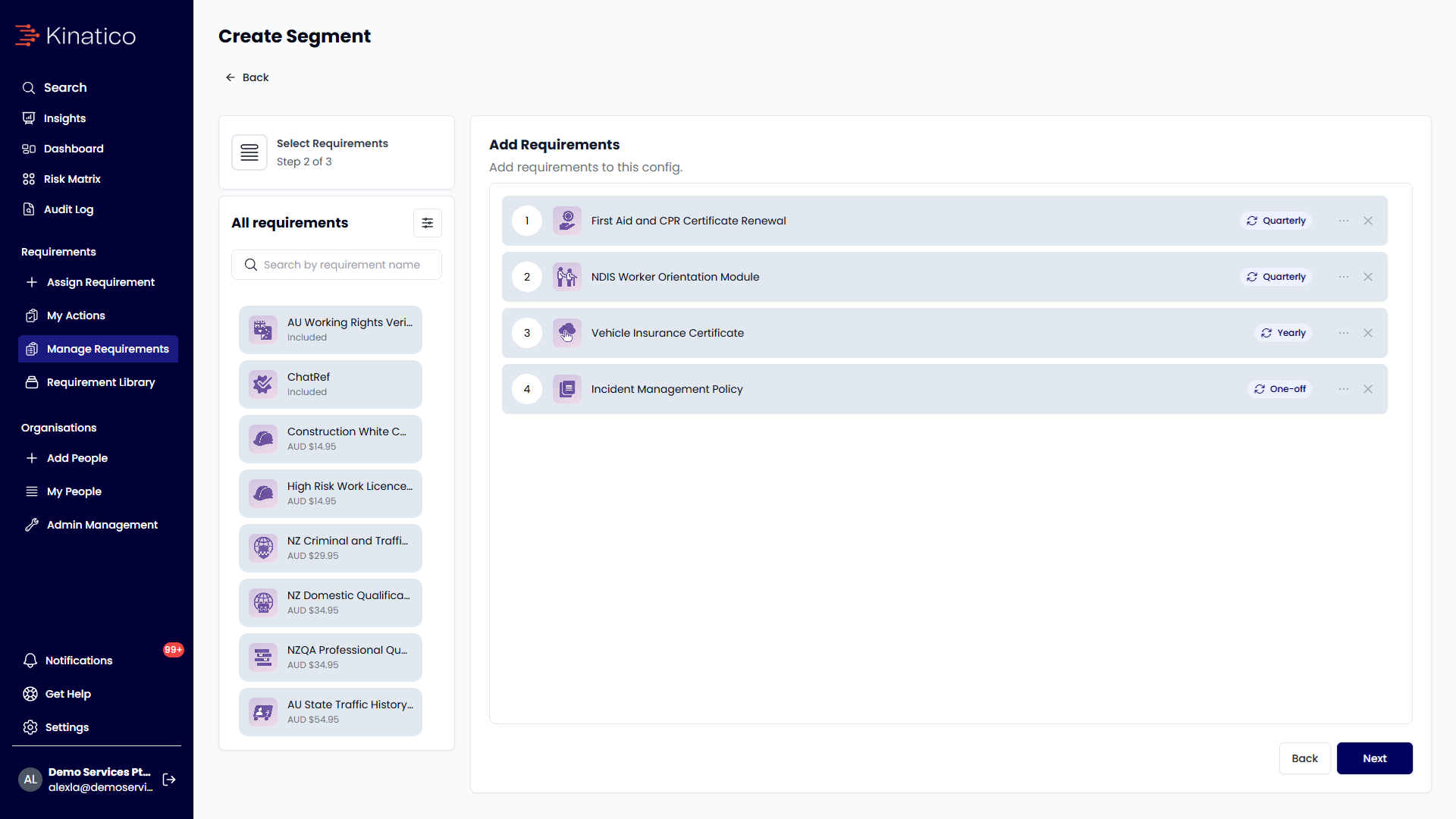
Once a requirement is published, you can select which group of workers by site, role, department, label or a combination of these. It then works the same way as a verification, with the same assignment, renewal cycles, alerts and audit record. 

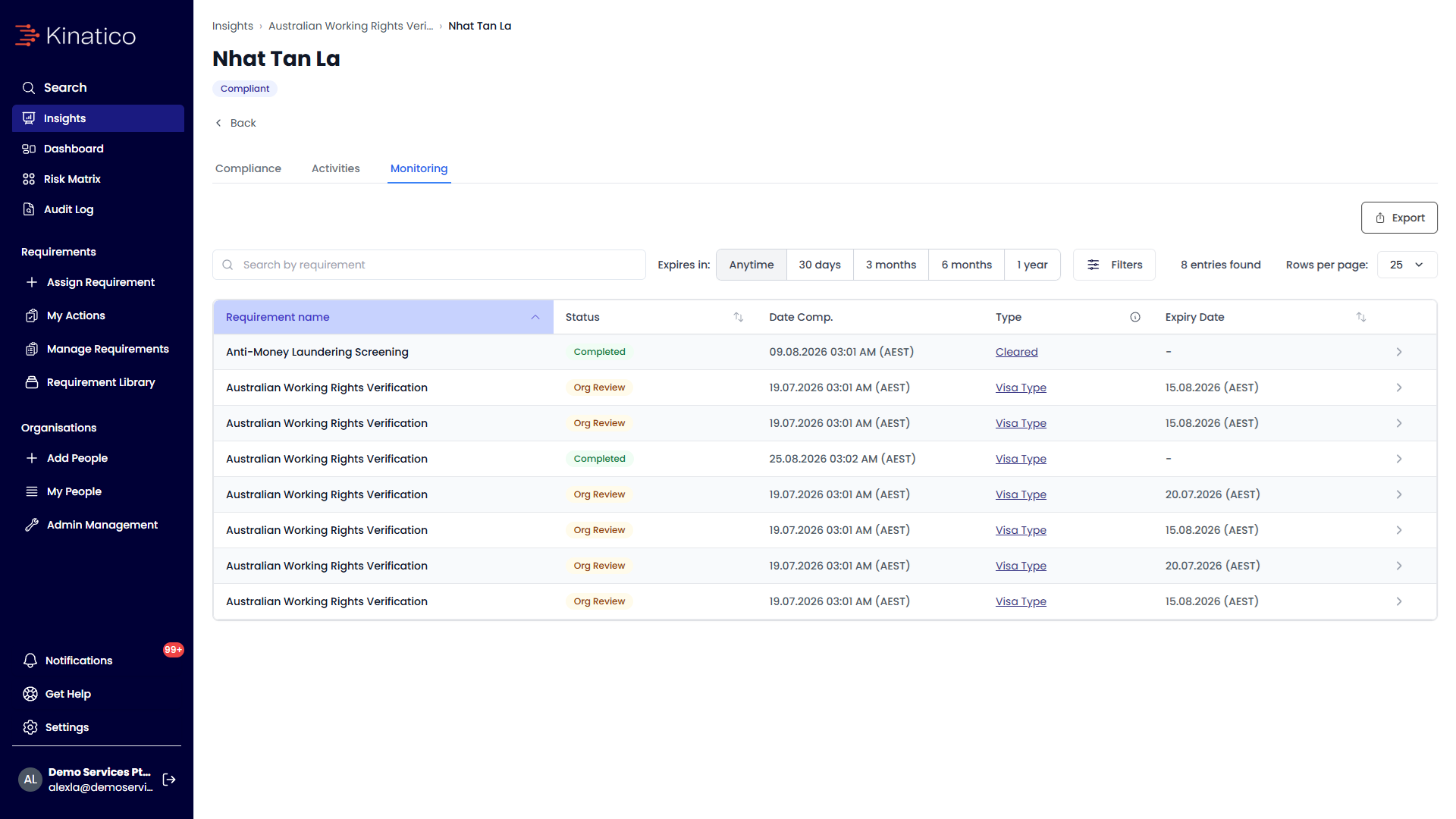
Working rights screen conditions
segment setup screen

Multi-step approvals for any requirement 

You can add approval steps to any requirement, so a worker's evidence is reviewed before it’s marked as complete. A requirement can have one, or several approvers set in a specific order, each assigned to a role or a named person. The requirement is then only marked as approved once every step has been approved. 

Every approval is recorded in an audit ready log showing who made it, what they decided, when, and any notes or evidence they added. 

The follow-up happens without you 

Renewal workflows trigger automatically from the next-due date for each requirement, whether that is a credential renewal, a training cycle or an annual declaration. 

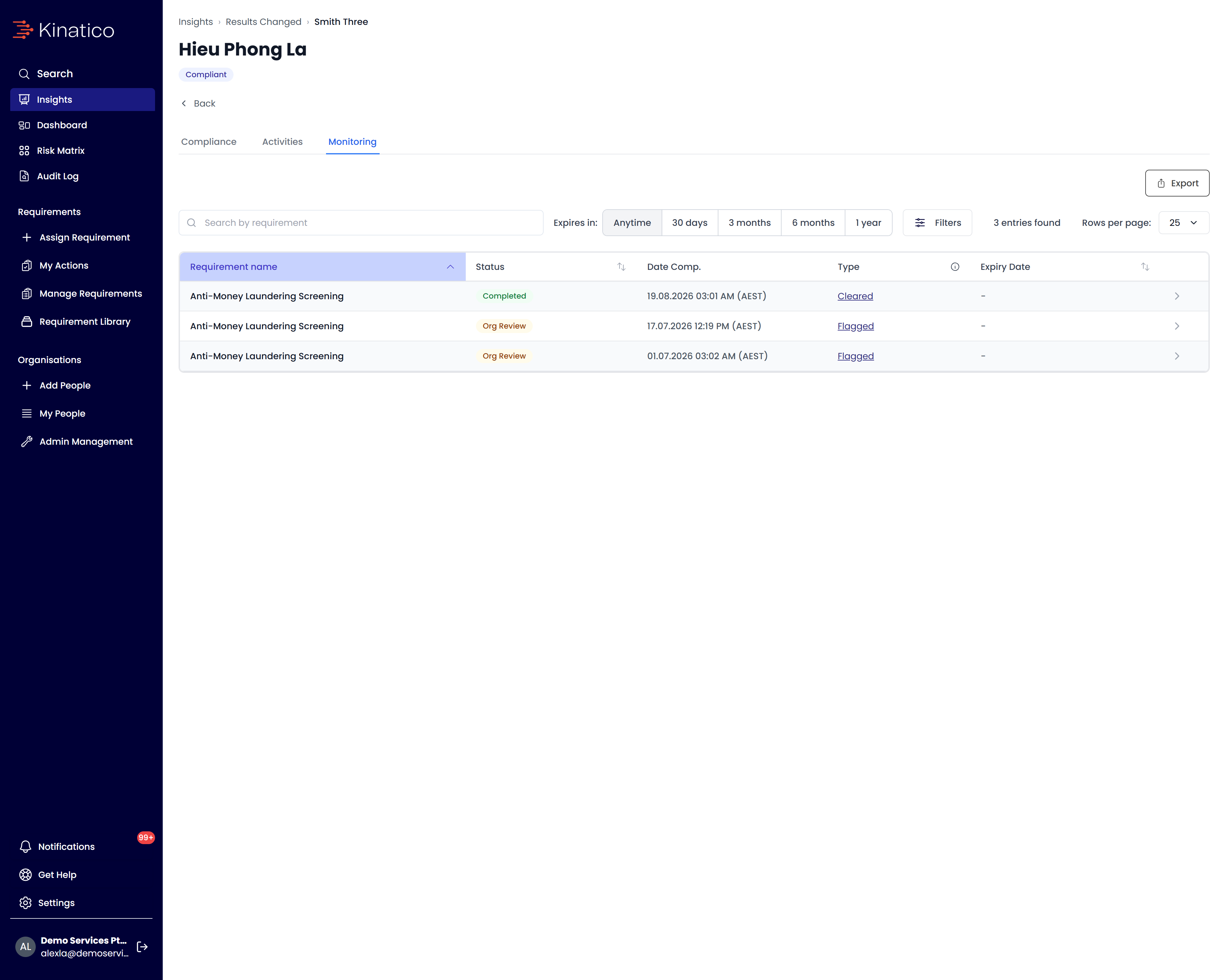
Workers are notified at the intervals you set before the due date, with escalating alerts if no action is taken. When a monitoring event detects a status change or a due date passes, the platform raises an alert and routes it to the administrator or manager based on the notification rules you set. 

Placeholder

Frequently asked questions 

  • No. Requirements are built with a drag and drop interface by your own administrators. No technical resource or vendor involvement is required. 

  • Reading and acknowledging a policy, completing a training module, signing a declaration, uploading evidence, confirming a procedural step, and much more. 

  • Yes. You can configure as many sequential steps as the decision needs, each with its own designated approver. 

  • Update the requirement and set the effective date. The acknowledgement is reassigned to everyone that is within that requirement. The previous acknowledgement is superseded, and the worker’s compliance status reflects this until they complete the updated policy requirement. The old acknowledgement stays in the audit trail. 

  • Workers, at intervals you set before the due date, with escalating alerts if completion does not happen. Administrators and managers receive alerts if a decision is needed. 

  • No. The platform surfaces what has changed and routes it to the right person. The decision stays with your organisation, and the audit log shows who made it.